
Notifications
Messages that go out from the record, so nobody has to remember to send them.
Most missed communication is not a writing problem, it is a trigger problem: the permit was approved, the crew closed the job, the payment cleared, and nobody told the resident. Notifications sends email, SMS and portal messages from the status change itself, with templates the department controls and a delivery record attached to the case.
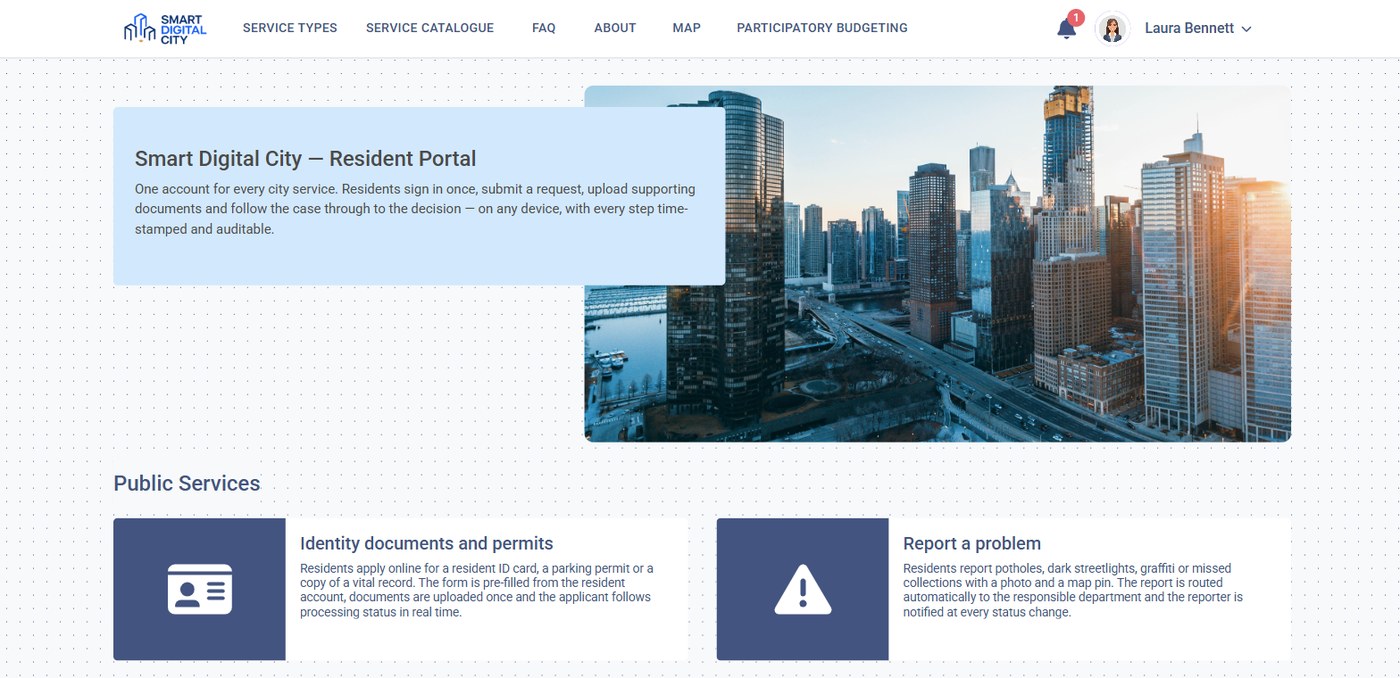
A resident account with its message history: what was sent, on which channel, and whether it was delivered.
What changes
Sent by the status, not by a person
A change of state on a case fires the message. There is no separate step for staff to forget.
One message history per resident
Email, SMS and portal messages are on the same account record, so nobody sends a duplicate or contradicts a colleague.
Proof that it went out
Each message carries a delivery receipt and a timestamp, which is what an appeal or an audit asks for.
Key capabilities
Channels
Email, SMS and in-portal messages from one template, with the fallback order the department sets.
Templates
Approved wording per procedure and per status, edited by the department, not by IT.
Subscriptions
Residents choose what they want to hear about: their own cases, their street, their service area.
Broadcast and targeted alerts
A planned outage, a street closure or an emergency notice, sent to an area or to a list.
Delivery receipts
Sent, delivered, failed and read, recorded on the case so the history is complete.
Escalation
A message that goes unanswered past a deadline raises the case rather than expiring quietly.
How it works
Define the trigger
Pick the status change on a procedure that should generate a message.
Write the template
The department writes the wording once, with the case fields filled in automatically.
Choose the channel
Email, SMS or portal, with the order to try if the first one fails.
Send and record
The message goes out and the receipt attaches to the case record.
Escalate if needed
No response by the deadline moves the case forward instead of leaving it open.
Notifications works with the systems your city already runs.
Email gateways and SMTP, SMS providers, resident portal accounts, GIS for area-targeted alerts, case and work order records, document management.
Related solutions
Resident Portal
One account where residents see their cases and their messages.
Learn more →311 & Service Requests
Reports that generate status messages as the work moves.
Learn more →Digital Permits & Licensing
Approvals and deadlines that residents and businesses need to hear about.
Learn more →See notifications fire from a real case
We will take one of your procedures, change its status and show the message, the channel and the delivery record.