
311 & Service Requests
One intake for every non-emergency request, routed to the department that resolves it.
A pothole, a dark streetlight, graffiti or a missed collection, reported from the web, a phone call or the counter. Each report becomes a numbered case with a location, an owner and a service target.
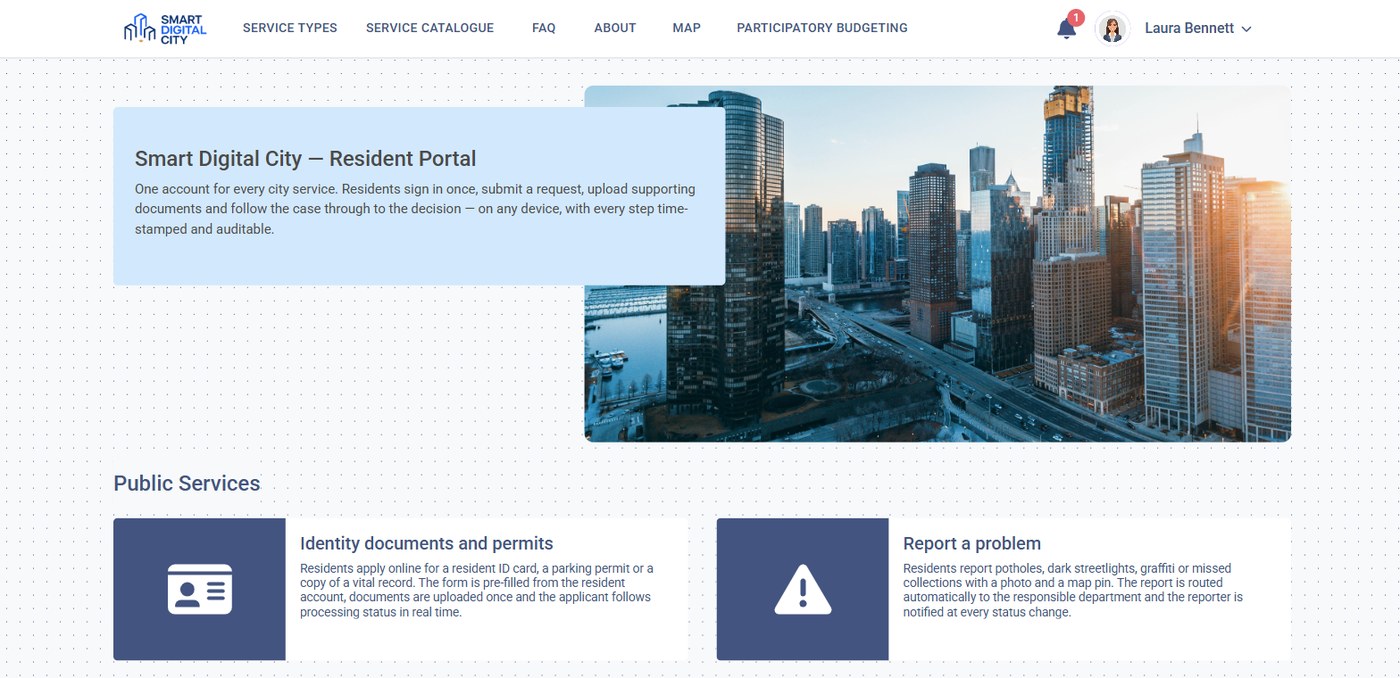
The resident portal: one account for every city service, with problem reports routed to the responsible department.
What changes
One number, one record
A request arrives once, whatever the channel, and keeps the same case number through to closure.
Routing without a triage desk
Request type and location decide the responsible department, so nothing waits to be forwarded.
Status the resident can see
The reporter follows the case and is notified at each change, which removes the second and third call about the same pothole.
Key capabilities
Service catalogue
Every request type published with what it requires, who handles it and how long it should take.
Photo and map pin
Residents attach a photo and drop a pin; the location resolves to a street segment or a specific asset.
Automatic routing
Type, location and asset decide the owning department and the service target that applies.
Handoff to field work
An accepted request becomes a work order without re-entry, and closes when the work is verified.
Duplicate grouping
Reports on the same location and type are linked, so one repair answers ten reports.
Notifications and outcome
Portal, email and text updates at each step, with the resolution note kept on the record.
How it works
Intake
Web, mobile, phone or counter. The request is recorded once, with its type and its location.
Classify
The catalogue entry sets the required fields, the owning department and the service target.
Route
The case reaches the responsible team automatically, with duplicates linked to the original.
Resolve
Field work, an inspection or an office decision, with the evidence attached to the case.
Close and notify
The reporter receives the outcome, and the case feeds response-time reporting.
311 and Service Requests works with the systems your city already runs.
GIS · Work Orders · Identity · Payments · Communications · Telephony · REST API
Related solutions
Resident Portal
The account residents use to submit, track and pay for city services.
Learn more →Work Orders & Field Service
Where an accepted request becomes assigned field work.
Learn more →Public Works Management
The operational process behind most street, park and drainage requests.
Learn more →Take every request from intake to closure
See how Smart Digital City routes resident reports to the team that resolves them, and tells the reporter what happened.