One platform across municipal operations
Connect resident services, municipal operations, public assets and urban IoT through configurable workflows and shared operational records.
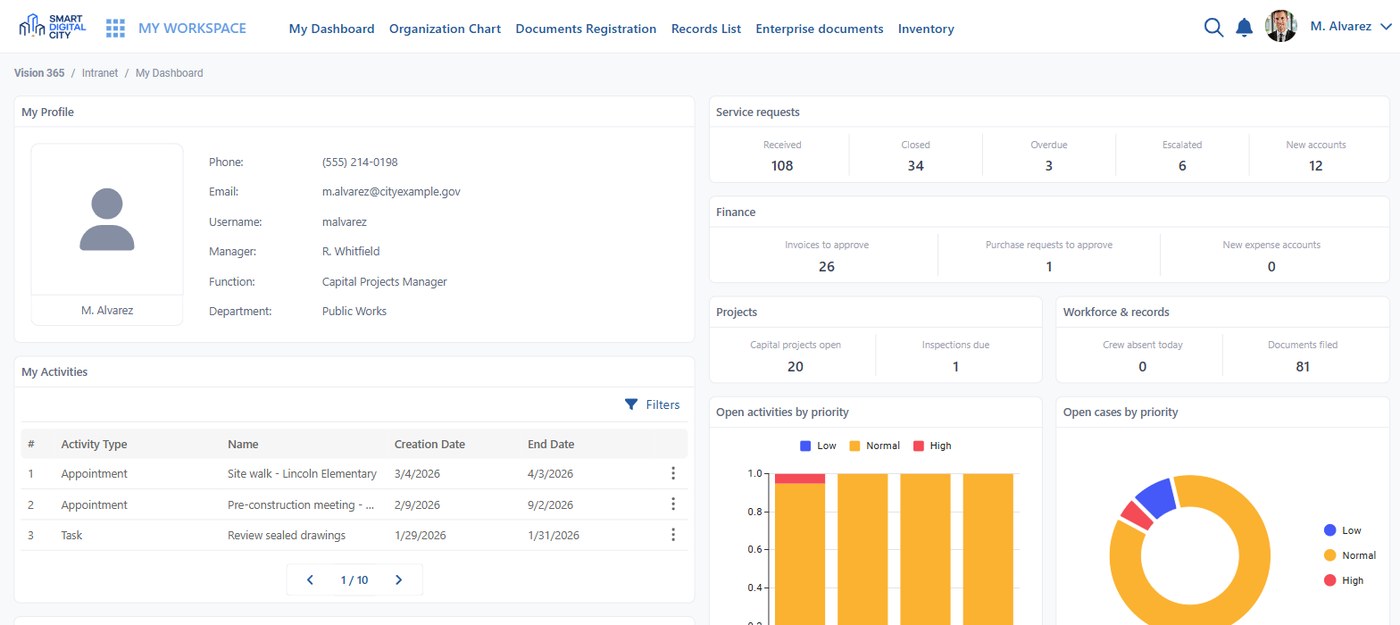
Three connected layers, one operating model
Resident services capture demand, municipal operations coordinate the response, and assets and urban IoT provide physical context. Each layer works from connected records rather than separate forms, channels or departmental data.
Keep the record beyond the form
Residents, contacts, properties, parcels, addresses, assets, service requests, work orders, contractors, inspections and devices remain persistent records with their own operational history, independent of the account, form or channel that created them.
Registered once, reused everywhere
A resident recorded at the front desk keeps their history if they open an account later — and the operational record stays if they close it.
Same entity, several origins
A record can be entered directly, imported from another system or created by a workflow. Whatever its origin, it joins the same model.
Keep every case moving
Create numbered records with owners, deadlines, priorities, approvals and escalations. Configure SLAs by classification and priority, issue notifications when action is required, and retain an audit trail of every change.
Intake
A numbered record with owner and deadline.
Route
Rules assign department, crew or contractor.
Act
Approvals, escalations and field work.
Verify
Completion checked and documented.
Audit
Every change kept, with who and when.
One process across every service channel
Web, mobile, call center, kiosk, email and front-desk requests enter the same workflow. Residents can use an optional account, report anonymously or verify by email or SMS. Staff access the platform through enterprise SSO.
Residents
Optional account, anonymous reporting, verification by email or SMS, real-time status on web, mobile and kiosk.
Call center and front desk
The same catalogue and forms staff use, so a phone call enters the same record as an online request.
Staff
Enterprise SSO, roles and permissions down to field and action level.
Put operational work on the map
Map requests, permits, assets, facilities, green spaces and sensors by address. Use layers, clustering, geospatial search, detail pop-ups, zones, heat maps, geofencing, historical playback and audience-specific display rules to understand activity by location.
- Everything with an address appears on the map — requests, permits, assets, facilities, sensors
- Layers, clustering and geospatial search; polygons and zones drawn on the map
- Public view for residents, extended view for authenticated users and staff
- Heat maps, geofencing and historical playback
Carry the work into the field
Send work orders to crews through the mobile app, capture photos and checklists, record completion, dispatch contractors and validate delivered work without separating field activity from the operational record.
Dispatch
Work order to crew or contractor.
On site
Photos, checklists, findings.
Complete
Completion recorded against the order.
Validate
Supervisor confirms the delivered work.
Close
Resident notified, history kept.
Connect infrastructure data to operational action
Register devices on the map, monitor current and historical telemetry, set thresholds and alerts, and move from alert to ticket, owner and resolution. Send audited commands through MQTT, HTTP/API, LoRaWAN and DALI connections.
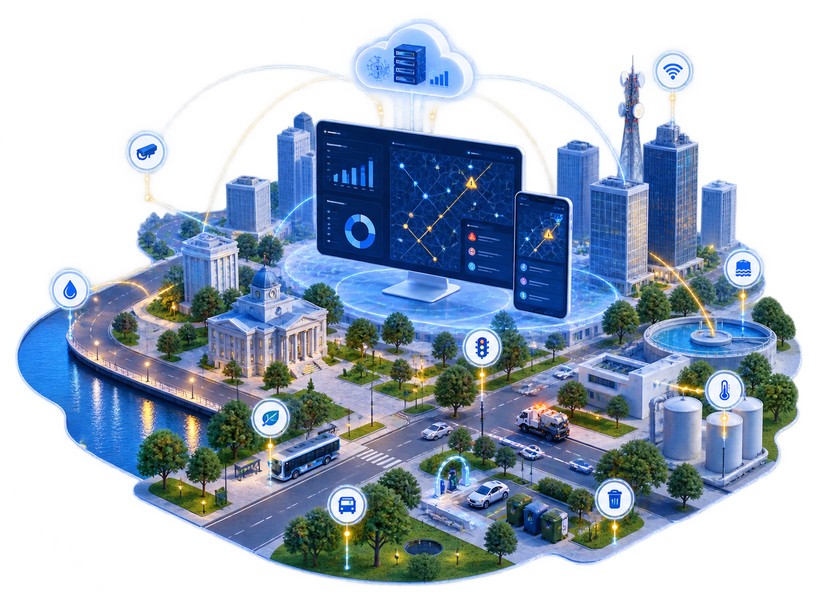
Connect the systems already in place
Use REST APIs, webhooks, import, export and plugins to connect ERP, CRM, DMS and legacy systems alongside GIS, identity, payments, communications and IoT without requiring those systems to be replaced.
REST API and webhooks
Documented interfaces for reading and writing records and for event-driven integration.
Plugin mechanism
Import from ERP, CRM, DMS or legacy applications; the data then serves workflows, rules, interfaces and document templates.
Integration points mapped during analysis
Each implementation starts by mapping the systems that stay in place and how they connect.
Control access and preserve operational continuity
Set permissions down to field and action level, audit every operation, encrypt data, maintain backups and high-availability clustering, monitor continuously, and export data when required. Hosting is available through Vision infrastructure or partner clouds including Microsoft Azure and Orange.
Security documentation on request
Architecture, controls and the penetration-testing approach used as an acceptance stage in delivered projects.
Accessibility statement in preparation
Interfaces built for keyboard use and screen readers; a formal statement is being prepared for the US edition.
See how the platform fits your operating model
Walk through the records, workflows, maps, field processes and integrations that can connect your municipal operations.